Image challenges
reCAPTCHA v2 with 3x3 and 4x4 grids. Dynamic 3x3 grids with new pictures after a click work too.
Browser extension
The Solvecha extension reads the challenge, asks the API, clicks the tiles and presses Verify. Use it in Chrome, or in Playwright, Puppeteer and Selenium.
Version 0.1.1, 126 KB, for Chrome and Chromium (Manifest V3). You need a Solvecha key with an active plan.


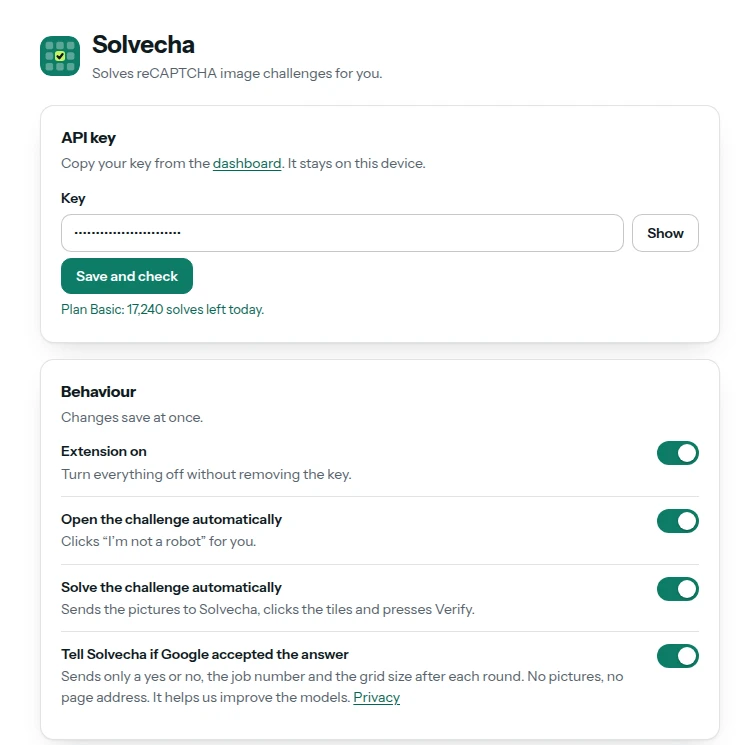
Popup with example numbers.
What it does
reCAPTCHA v2 with 3x3 and 4x4 grids. Dynamic 3x3 grids with new pictures after a click work too.
It can click “I'm not a robot” for you. You can turn this off.
Delays, the number of rounds before it gives up, sites to skip, light or dark theme.
Today it solves reCAPTCHA v2 image challenges only. Other captcha types are not covered by the extension yet. The API supports more, see captcha types.
Install
chrome://extensions and switch on Developer mode.Chrome shows a developer-mode notice for unpacked extensions. It goes away with the store version.
solvecha-extension-chrome-0.1.1.zip
Download for ChromeSHA-256
2983f3e2b8a3a75f77505994019518da7ec49fdbf713bf3858f1668c90b1530f
Check it with sha256sum solvecha-extension-chrome-0.1.1.zip.
Firefox
Automation
Load the unzipped folder as an extension and save your key once. Extensions need a headed browser or a virtual display such as xvfb-run.
import { chromium } from "playwright";

const ext = "/path/to/solvecha-extension"; // the unzipped folder
const context = await chromium.launchPersistentContext("/tmp/profile", {
  headless: false,
  args: [`--disable-extensions-except=${ext}`, `--load-extension=${ext}`],
});

// Save the key once. It stays in the profile folder.
let [worker] = context.serviceWorkers();
worker ??= await context.waitForEvent("serviceworker");
await worker.evaluate((key) => chrome.storage.local.set({ apiKey: key }), "YOUR_API_KEY");

const page = await context.newPage();
await page.goto("https://www.google.com/recaptcha/api2/demo");
// The extension solves the challenge. Wait for the result you need.import puppeteer from "puppeteer";
const ext = "/path/to/solvecha-extension"; // the unzipped folder
const browser = await puppeteer.launch({
headless: false,
args: [`--disable-extensions-except=${ext}`, `--load-extension=${ext}`],
});
// Save the key once on the settings page.
const worker = await browser.waitForTarget((t) => t.type() === "service_worker");
const id = new URL(worker.url()).host;
const settings = await browser.newPage();
await settings.goto(`chrome-extension://${id}/options.html`);
await settings.type("#key", "YOUR_API_KEY");
await settings.click("#save-key");
const page = await browser.newPage();
await page.goto("https://www.google.com/recaptcha/api2/demo");from selenium import webdriver
ext = "/path/to/solvecha-extension" # the unzipped folder
options = webdriver.ChromeOptions()
options.add_argument(f"--load-extension={ext}")
options.add_argument("--user-data-dir=/tmp/profile") # keeps the saved key
driver = webdriver.Chrome(options=options)
# First run: open the extension's Settings page once and save your key.
driver.get("https://www.google.com/recaptcha/api2/demo")--load-extension.Privacy
api.solvecha.com. Nothing else is contacted.Details in the Privacy Policy and in the docs.
Screenshots
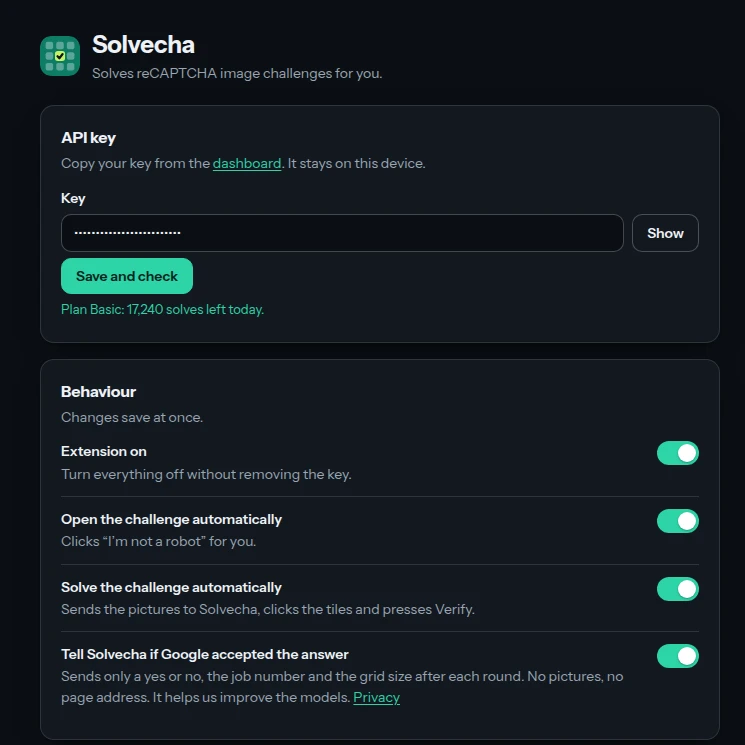
The shots show example numbers and a made-up key. They are not customer data.
Create an account, get your key and change the base URL. Paid plans open soon. We e-mail you when checkout is live.